








English | 简体中文
This is a lightweight and easy-to-use HUD designed to display the progress and status of ongoing tasks on iOS and tvOS.
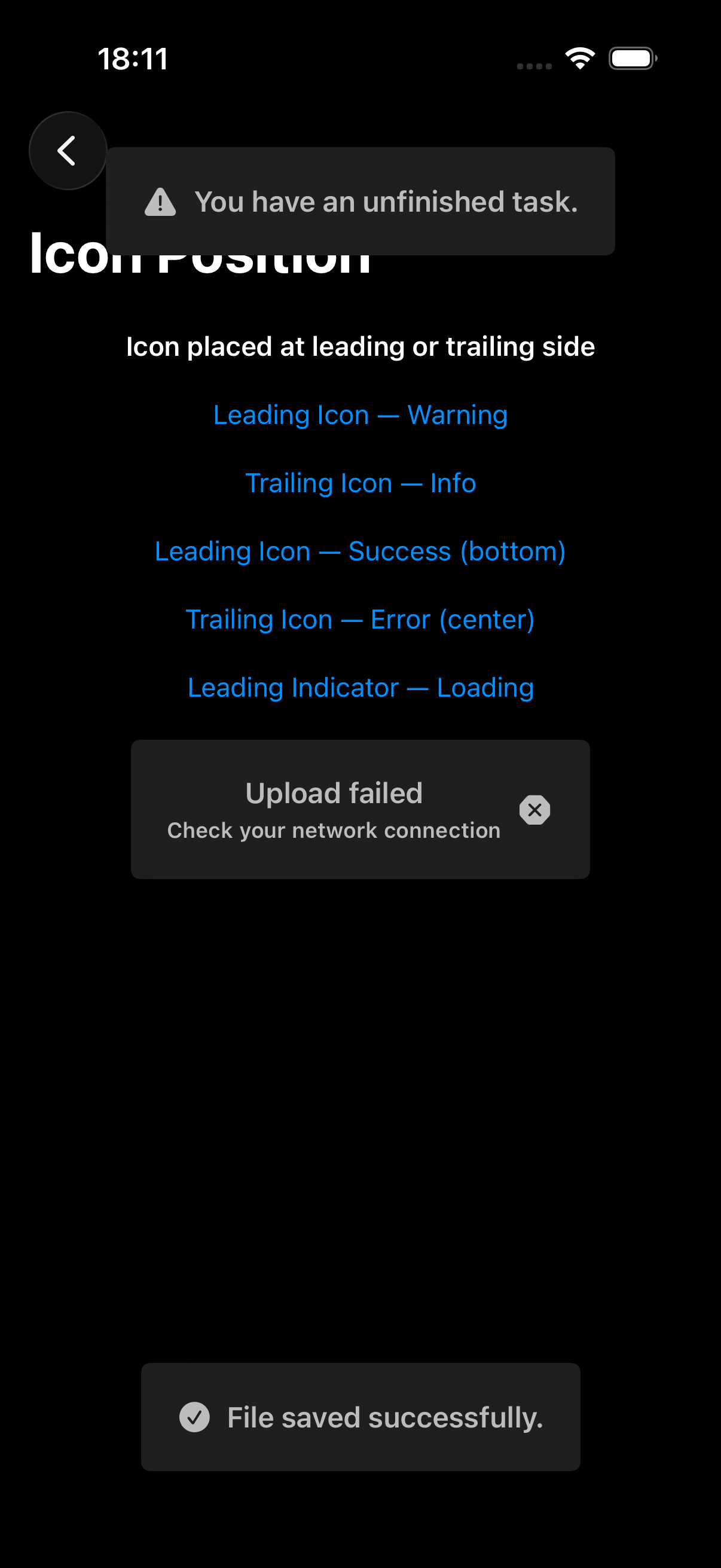
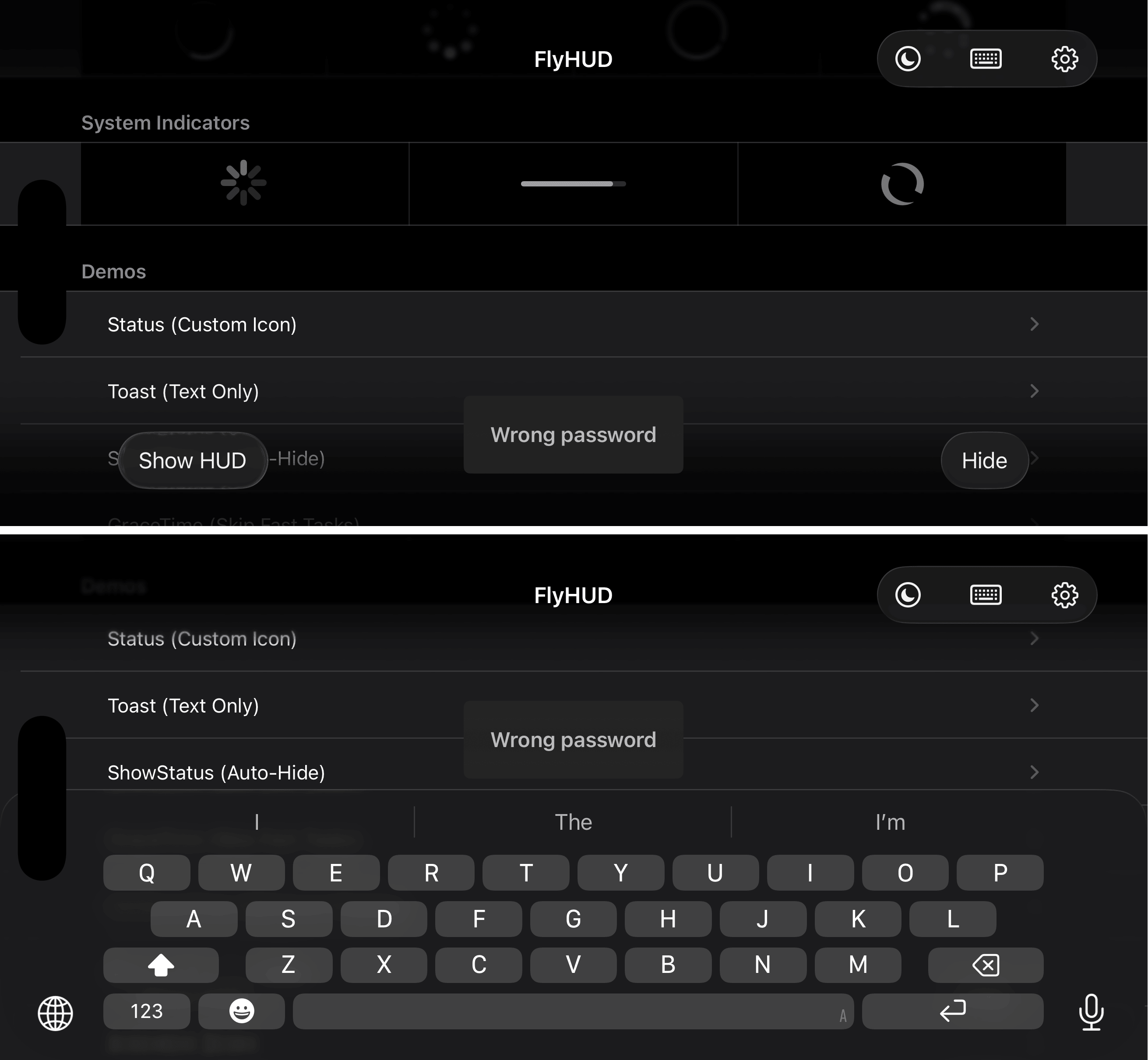
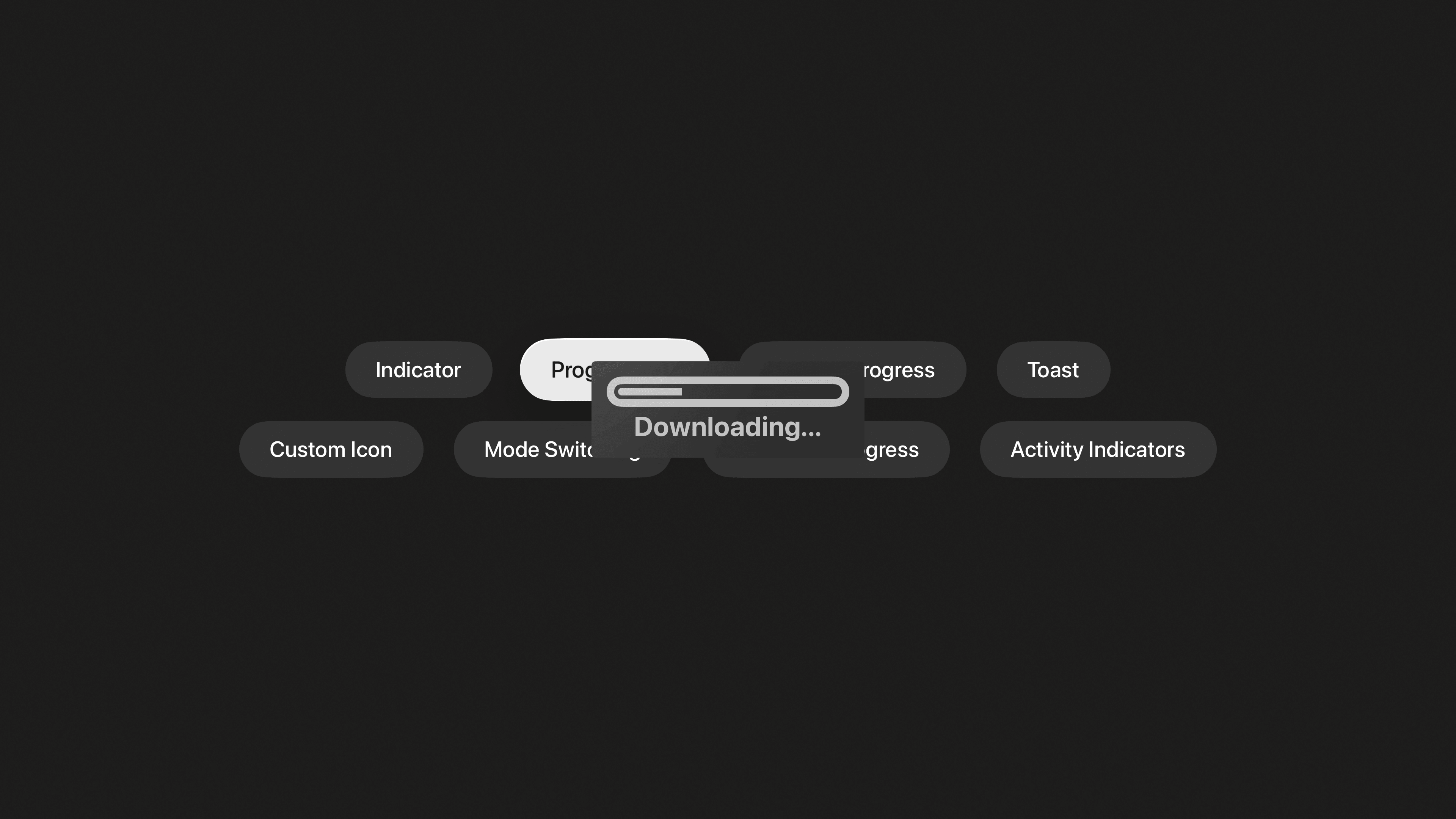
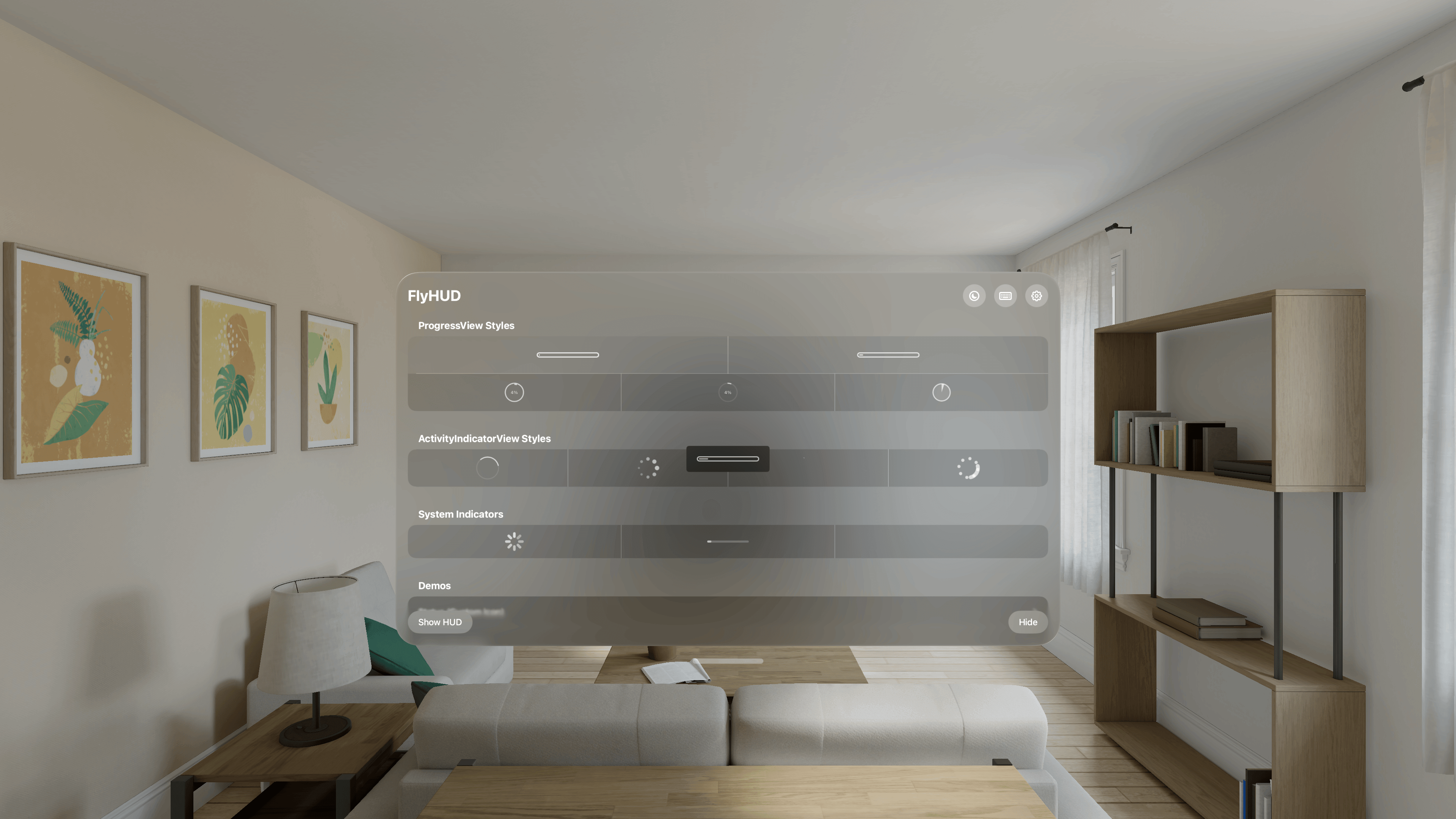
- iOS 13.0+
- tvOS 13.0+
- visionOS 1.0+
- Xcode 15.0+
- Swift 5.9+
If you are using the Swift Package Manager, add a dependency to your Package.swift file and import the HUD library into the desired targets:
dependencies: [
    .package(url: "https://github.com/liam-i/FlyHUD.git", from: "1.6.1")
],
targets: [
    .target(
        name: "MyTarget", dependencies: [
            .product(name: "FlyHUD", package: "FlyHUD"),           // Optional
            .product(name: "FlyHUDSwiftUI", package: "FlyHUD"),    // Optional
            .product(name: "FlyProgressHUD", package: "FlyHUD"),   // Optional
            .product(name: "FlyIndicatorHUD", package: "FlyHUD")   // Optional
        ])
]If you are using Xcode, then you should:
- File > Add Package Dependencies...
- Add
https://github.com/liam-i/FlyHUD.git - Select "Up to Next Minor" with "1.6.1"
Tip
For detailed tutorials, see: Apple Docs
If you're using CocoaPods, add this to your Podfile:
source 'https://github.com/CocoaPods/Specs.git'
# Or use CDN source
# source 'https://cdn.cocoapods.org/'
platform :ios, '13.0'
use_frameworks!

target 'MyApp' do
  # Use all components (FlyHUD, FlyIndicatorHUD, FlyProgressHUD and FlyHUDSwiftUI).
  pod 'FlyHUD', '~> 1.6.1'

  # Or, just use the FlyHUD component.
  pod 'FlyHUD', '~> 1.6.1', :subspecs => ['FlyHUD']

  # Or, just use the FlyHUD and FlyIndicatorHUD components.
  pod 'FlyHUD', '~> 1.6.1', :subspecs => ['FlyIndicatorHUD']

  # Or, just use the FlyHUD and FlyProgressHUD components.
  pod 'FlyHUD', '~> 1.6.1', :subspecs => ['FlyProgressHUD']

  # Or, just use the FlyHUD and FlyHUDSwiftUI components.
  pod 'FlyHUD', '~> 1.6.1', :subspecs => ['FlyHUDSwiftUI']
end
And run pod install.
Important
CocoaPods 1.13.0 or newer is required.
If you're using Carthage, add this to your Cartfile:
github "liam-i/FlyHUD" ~> 1.6.1And run carthage update --platform iOS --use-xcframeworks.
This produces the following XCFrameworks in Carthage/Build/:
| Framework | Description |
|---|---|
FlyHUD.xcframework |
Core HUD (required) |
FlyIndicatorHUD.xcframework |
Activity indicators (depends on FlyHUD) |
FlyProgressHUD.xcframework |
Progress views (depends on FlyHUD) |
FlyHUDSwiftUI.xcframework |
SwiftUI bridge (depends on FlyHUD) |
Drag the frameworks you need into your target's Frameworks, Libraries, and Embedded Content section and set them to Embed & Sign.
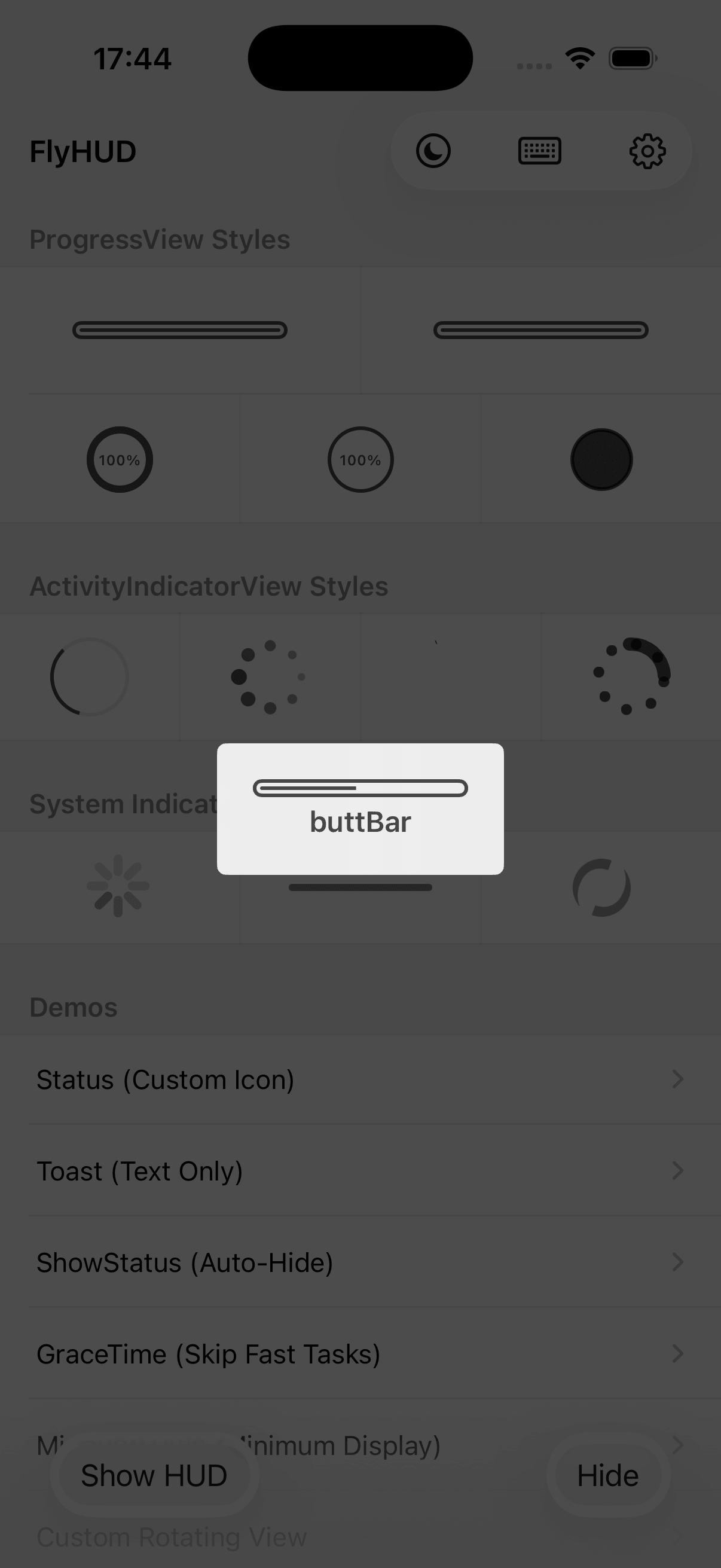
Using HUD in your application is very simple.
- Displays the status HUD of an indeterminate tasks:
let hud = HUD.show(to: view)
DispatchQueue.global().async {
    // Do something...
    DispatchQueue.main.async {
        hud.hide()
    }
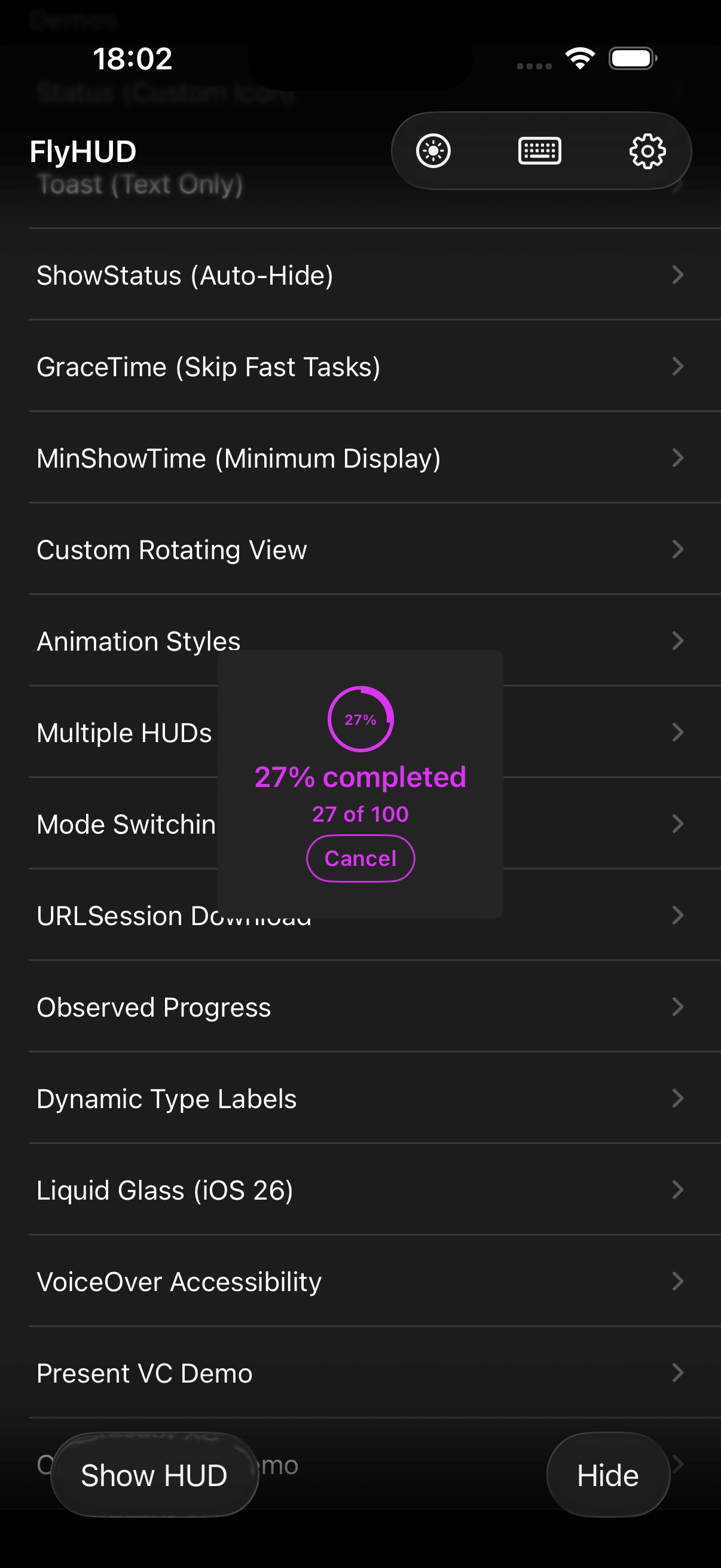
}- Displays a task's progress HUD:
let hud = HUD.show(to: view, mode: .progress(), label: "Loading")
Task.request { progress in
    hud.contentView.progress = progress
} completion: {
    hud.hide()
}- Displays a text-only status HUD:
HUD.showStatus(to: view, label: "Wrong password")- Displays a custom view's status HUD. e.g. a UIImageView:
HUD.showStatus(to: view, mode: .custom(UIImageView(image: UIImage(named: "Checkmark")?.withRenderingMode(.alwaysTemplate))), label: "Completed")- Displays a custom view's status HUD. And the UIImageView is on the left:
HUD.showStatus(to: view, mode: .custom(UIImageView(image: UIImage(named: "warning"))), label: "You have an unfinished task.") {
    $0.contentView.indicatorPosition = .leading
}- Sets the animation that should be used when showing and hiding the HUD. E.g. style, duration, spring damping:
HUD.showStatus(to: view, using: .animation(.slideUpDown, damping: .default, duration: 0.3), label: "Wrong password")- Enable keyboard layout guide to track the keyboard's position in your app’s layout:
HUD.showStatus(to: view, label: "You have a message.") {
    $0.keyboardGuide = .center()
}
Warning
HUD is a UI class and should therefore only be accessed on the main thread.
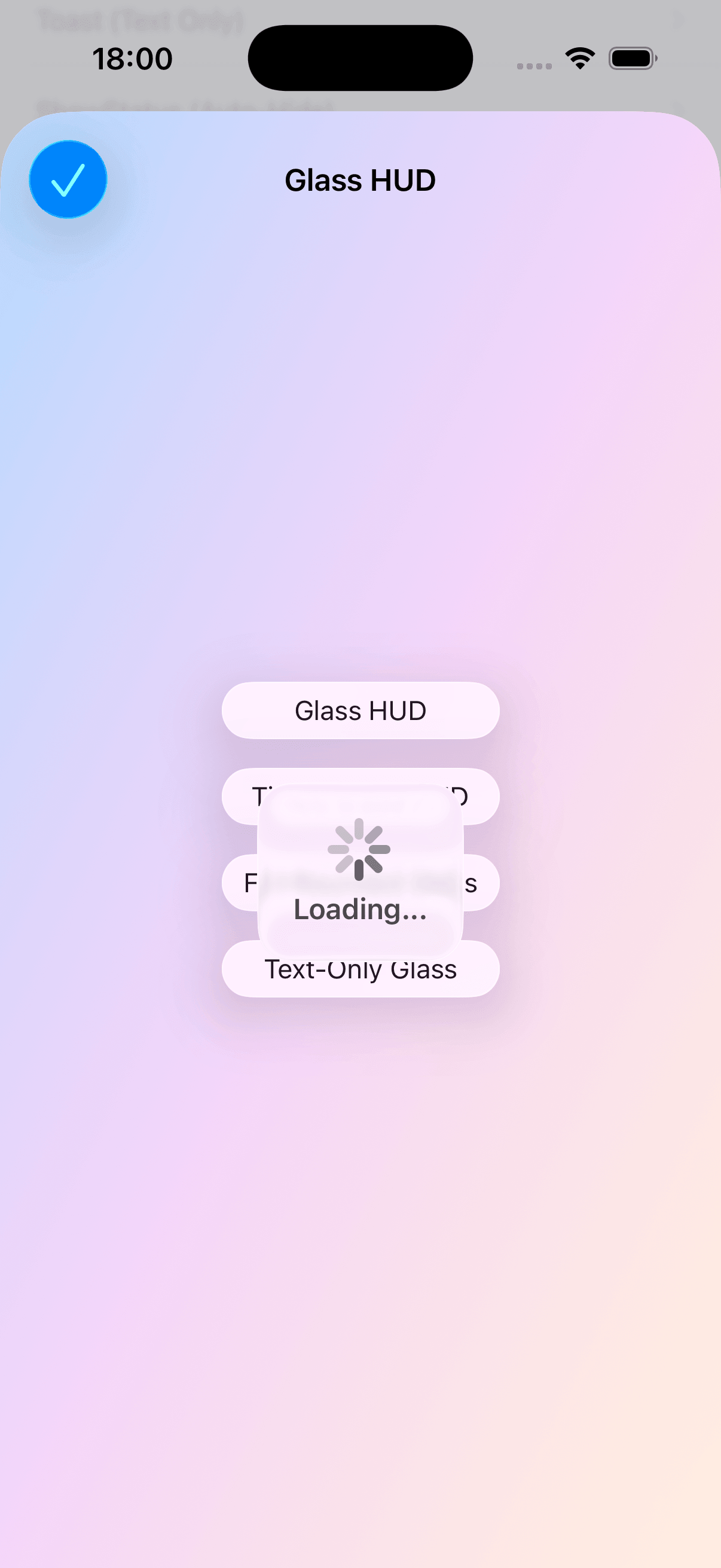
FlyHUD provides native SwiftUI support via the FlyHUDSwiftUI module:
import FlyHUDSwiftUI

struct ContentView: View {
    @State private var isLoading = false

    var body: some View {
        Button("Load") { isLoading = true }
            .hudLoading(isPresented: $isLoading, label: "Loading...")
    }
}
More declarative modifiers are available:
// Boolean-driven HUD with full configuration
.hud(isPresented: $isLoading) { hud in
    hud.contentView.mode = .indicator()
    hud.contentView.label.text = "Please wait..."
}

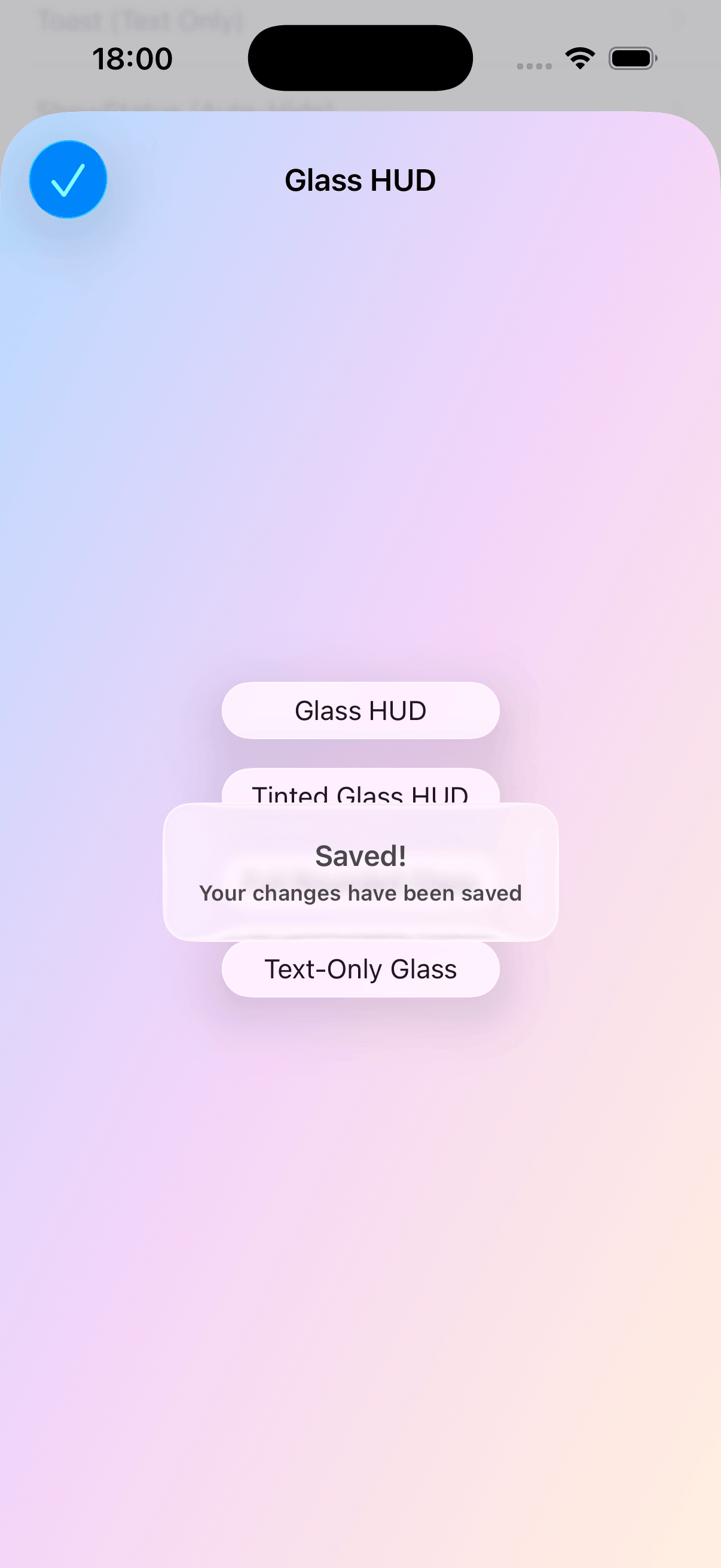
// Self-dismissing toast
.hudToast(isPresented: $showSuccess, label: "Saved!")

// Progress tracking
.hudProgress(isPresented: $isUploading, progress: $progress, label: "Uploading")
Tip
See the SwiftUI Integration guide for complete documentation. For more examples, including how to use the HUD with asynchronous operations such as URLSession, and how to customize the HUD style, take a look at the bundled example project. Extensive API documentation is available in the API docs.
To run the example project, clone the repo and open FlyHUD.xcworkspace in Xcode.
FlyHUD provides comprehensive VoiceOver and accessibility support:
- Modal focus —
accessibilityViewIsModalprevents VoiceOver from navigating behind the HUD - Automatic focus management — VoiceOver focus moves to the HUD on show and returns to content on hide
- Escape gesture — Two-finger Z-scrub (
accessibilityPerformEscape) dismisses the HUD - Contextual hints —
accessibilityHintprovides context ("Loading in progress" / "Task in progress") - Combined announcements — Label + details text are read as a single coherent description
- Progress updates — Milestone announcements at 25% intervals;
accessibilityValuereports percentage - Button exposure — Action buttons are discoverable via
accessibilityCustomActions(swipe up/down) - Dynamic updates — Text/mode changes while the HUD is visible trigger VoiceOver re-reads
- Event delivery sync —
isEventDeliveryEnabledkeepsaccessibilityViewIsModalin sync; when touches pass through, VoiceOver focus can too - Dynamic Type — Opt-in font scaling via
isDynamicTypeEnabled
Tip
When using .custom(UIView) mode, set isAccessibilityElement = false on your custom view to avoid duplicate announcements.
The documentation for releases and main are available here:
The name FlyHUD combines Fly and HUD and stands out for its simplicity and expressiveness. Fly implies fast, efficient and flexible meaning, which is consistent with the real-time and immediacy of HUD. Overall, FlyHUD expresses the ability of HUD to present information and data quickly and efficiently.
- Thanks a lot to Jonathan George for building MBProgressHUD - all ideas in here and many implementation details were provided by his library.
- Thanks a lot to Vinh Nguyen for building NVActivityIndicatorView - many implementation details of the loading animations here are provided by his library.
- Thanks a lot to Related Code for building ProgressHUD - many implementation details of the loading animations here are provided by his library.
FlyHUD is available under the MIT license. See the LICENSE file for more info.